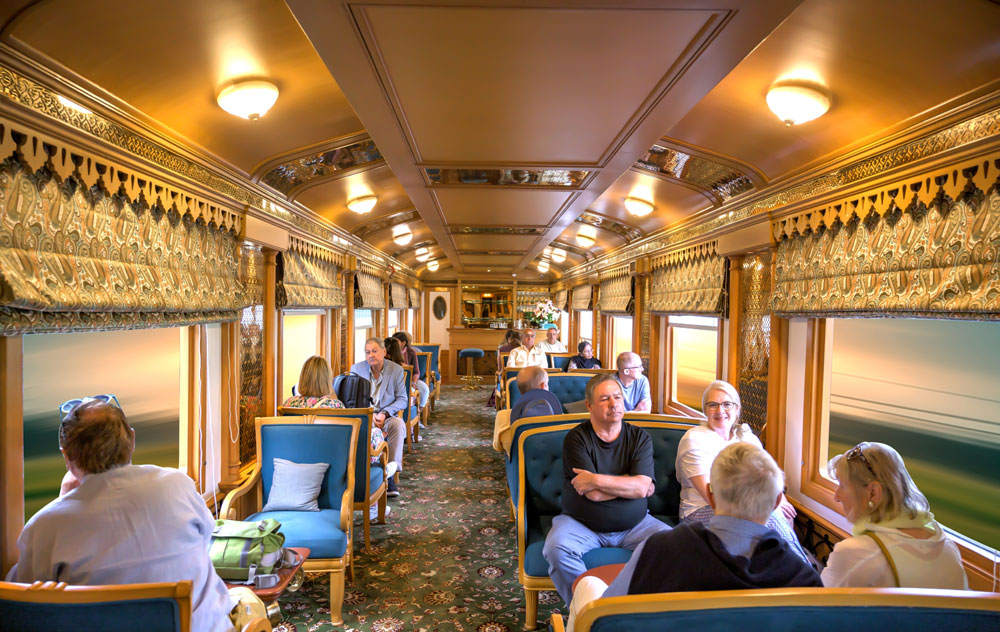

How to book a Tatkal AC ticket on RailOne quickly and successfully
Here’s how to book a Tatkal AC ticket on RailOne quickly and successfully 👇
🕒 Tatkal Booking Timings (Very Important)
For AC classes (1A, 2A, 3A, CC, EC):
- Opens at 10:00 AM
- One day before the journey date (excluding the travel day)
Example:
If your journey is on 5 March, Tatkal opens at 10:00 AM on 4 March.
🚀 Step-by-Step: Book AC Tatkal Ticket on RailOne
1️⃣ Login Before 10 AM
- Open RailOne by 9:50–9:55 AM
- Log in and keep your session active
2️⃣ Search Train
- Enter From / To station
- Select Journey Date
- Choose Quota → Tatkal
- Select your AC class (1A / 2A / 3A / CC / EC)
3️⃣ Select Train Fast
- As soon as 10:00 AM hits, tap Search
- Choose the train showing “Tatkal Available”
⚠ Seats sell out in 1–3 minutes on busy routes.
4️⃣ Add Passenger Details Quickly
- Use Saved Passenger List (saves time)
- Keep ID proof ready (Aadhaar, PAN, etc.)
5️⃣ Make Payment Fast
Fastest methods:
- ✅ UPI
- ✅ IRCTC/Rail wallet
- ❌ Net banking (usually slower)
💡 Pro Tips to Increase Success Rate
✔ Use fast internet (Wi-Fi or 5G)
✔ Avoid refreshing too much
✔ Use UPI AutoPay / pre-saved payment
✔ Don’t wait until 10:01 AM
✔ Keep alternate train options ready
💰 Extra Charges in Tatkal
Tatkal tickets cost more than normal tickets.
Extra charges depend on class and distance (fixed slab by Indian Railways).
❗ Important Rules
- No refund if you cancel a confirmed Tatkal ticket
- Partial refund only if train is late 3+ hours or cancelled
- Only 4 passengers per Tatkal booking
If you tell me your route and date, I can guide you on: