

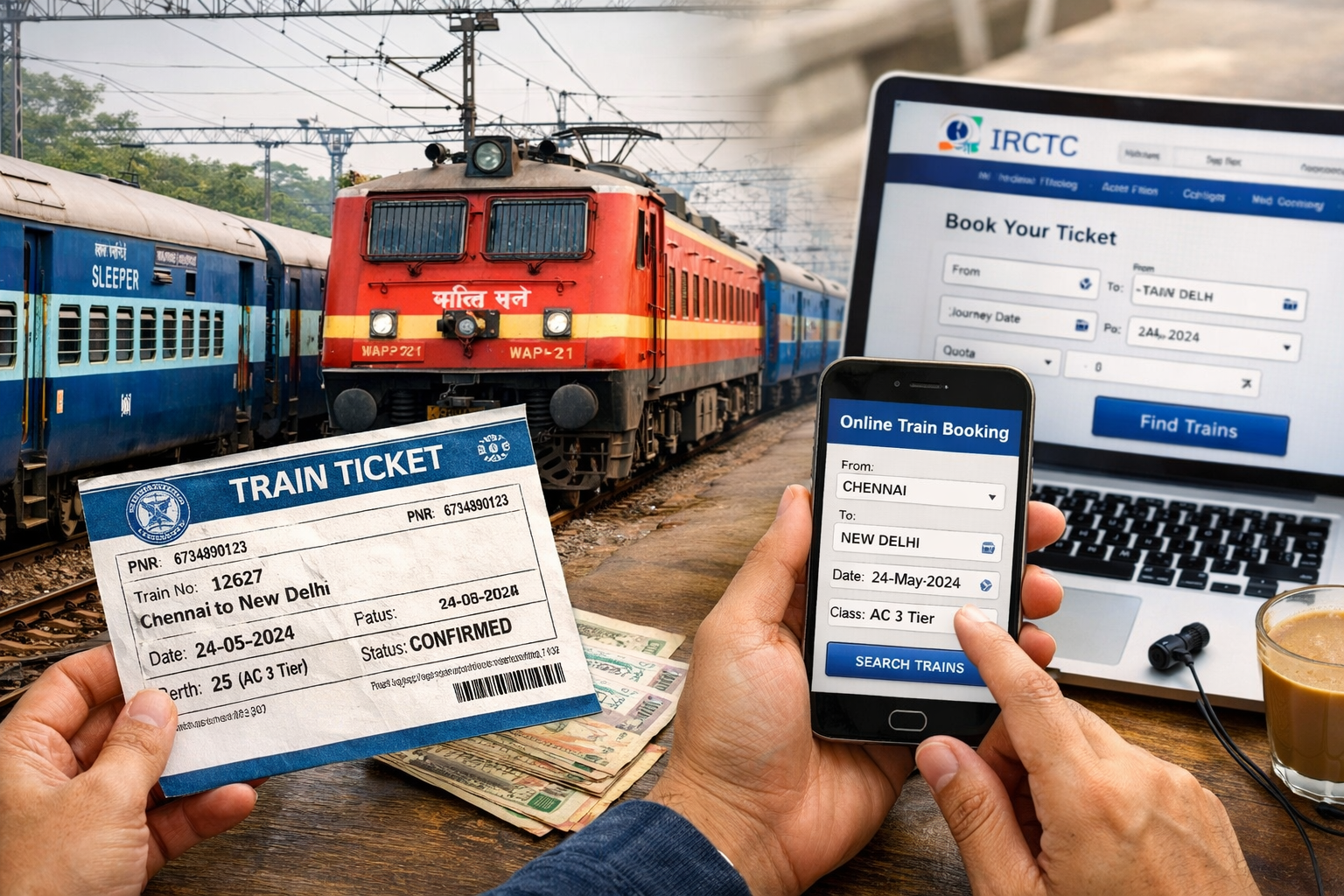
Buy an AC class train ticket using the RailOne app
Here’s how you can buy an AC class train ticket using the RailOne app (the new unified Indian Railways ticketing app that replaces older apps like UTS and combines booking, live train status, PNR, etc.) 👇 (RailOne App)
📱 Step-by-Step: Buy an AC Ticket on RailOne
- Download & Install the App
- Get the official RailOne app from Google Play Store (Android) or Apple App Store (iOS). (RailOne App)
- Open & Log In
- Open the app and log in using your existing IRCTC/UTS account, or sign up with your mobile number and verify with the OTP sent to your phone. (Swarail)
- Go to Ticket Booking
- On the app’s home screen, tap “Book Tickets” or “Search Train” to start reservation booking. (Swarail)
- Enter Travel Details
- Enter your boarding station (From) and destination (To).
- Choose your travel date.
- When asked Class, select your desired AC class (e.g., AC 1-Tier, AC 2-Tier, AC 3-Tier). (YourDTSeva)
- Select Train & Seat
- The app will show a list of available trains on that route.
- Pick your train and preferred berth class. (YourDTSeva)
- Add Passenger Information
- Fill in names, ages, gender, and berth preference.
- You can save passengers for future use. (Swarail)
- Review Fare & Pay
- Check the fare and complete payment using one of the available options:
- UPI (Google Pay, PhonePe, etc.)
- Debit/Credit Card
- Net Banking
- R-Wallet (RailOne’s in-app wallet which sometimes offers easier checkout). (Swarail)
- Check the fare and complete payment using one of the available options:
- Get Your e-Ticket
- After payment, your e-ticket with PNR will appear in My Bookings. You don’t need to print it — show the e-ticket during your journey. (Swarail)
That’s it! 👌 You’ve successfully booked an AC class ticket on RailOne.
💡 Extra Tips
- Keep your IRCTC/UTS credentials ready — you can use them to log in without creating a new account. (Swarail)
- Book early for AC tickets (especially in peak seasons or during Tatkal) — availability fills up fast. (RailOne App)
- Your tickets are stored digitally inside the app under My Bookings — no paper printouts needed. (Swarail)