

How to book General train ticket at Railone
step-by-step guide to book a General (Unreserved) Ticket on the RailOne app (the official Indian Railways all-in-one ticketing app): (News24)
📱 1. Download & Open the RailOne App
- Install the RailOne app on your Android or iOS phone from the Google Play Store or Apple App Store. (RailOne App)
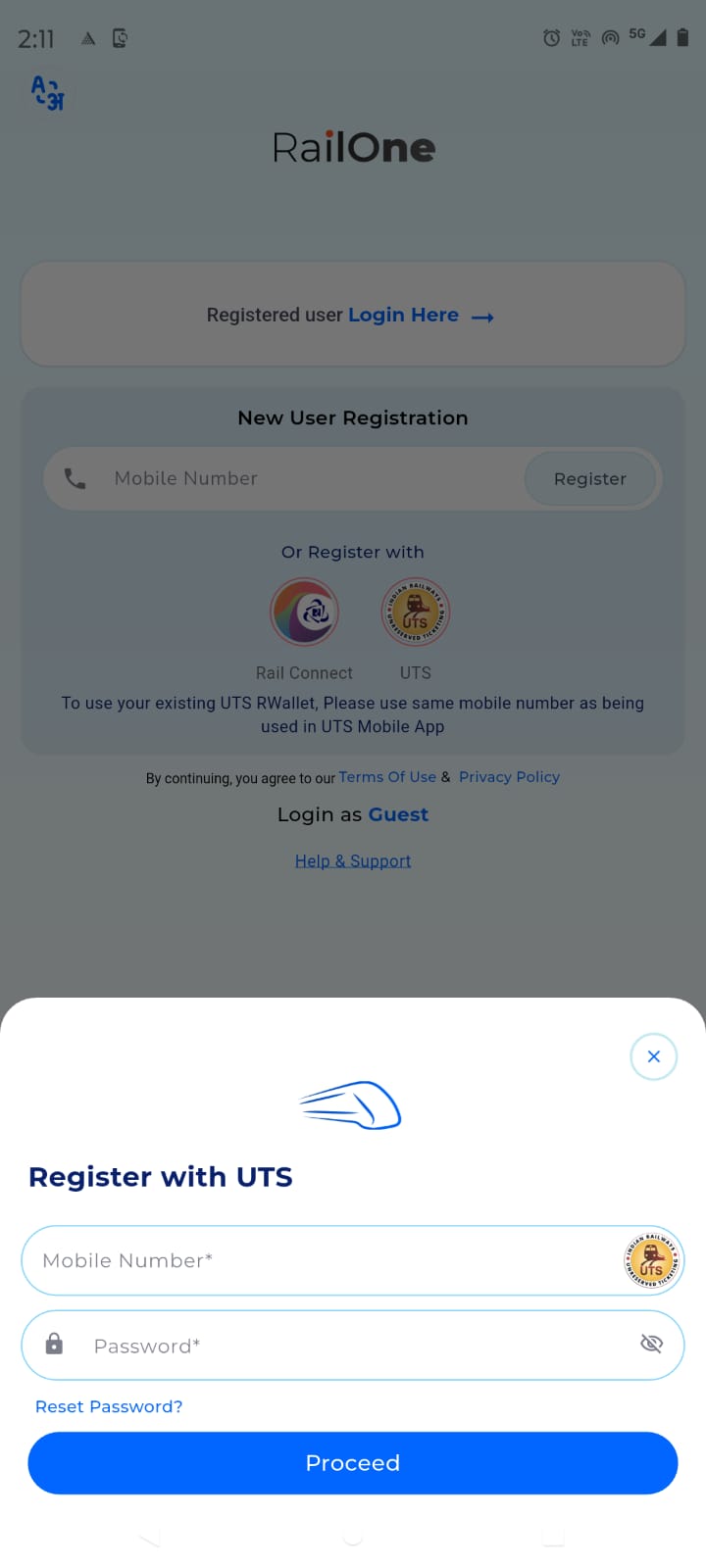
- Open the app and log in using your existing credentials (IRCTC / RailOne). If you don’t have an account, register using your mobile number and OTP. (RailOne App)
🧭 2. Go to the Ticket Booking Section
- On the home screen, find and tap “Journey Planner” or “Unreserved / General Ticket” option. (News24)
📍 3. Enter Journey Details
- Select From and To stations.
- For local/commuter trips, you can turn on GPS so the app fills your boarding station automatically. (News24)
🚆 4. Choose Train Type
- Pick the train type you want (such as Mail/Express or local).
- Specify the number of passengers you’re buying tickets for. (Times Bull)
💳 5. Make Payment
- Pay the fare using UPI, debit/credit card, net banking, or the app’s R-Wallet if you have it topped up. (NewsPoint)
- RailOne sometimes offers discounts on unreserved tickets (e.g., ~3% instant + up to 6% with R-Wallet) depending on ongoing offers. (NewsPoint)
🎟️ 6. Get & Use Your Ticket
- Once paid, your ticket will show in “My Tickets” in the app. (Times Bull)
- You can view it on your phone or download/share the PDF for inspection by railway staff. (Times Bull)
📌 Important Notes
- From 1 March 2026 onward, the old UTS app will be discontinued for general tickets, so you’ll need to use the RailOne app for unreserved/general and platform tickets. (Navbharat Times)
- Make sure your app is updated and you have a good internet connection to avoid booking errors.
- Always check your ticket in “My Tickets” after payment — sometimes the booking may not show on the screen but is confirmed there. (reddit.com)